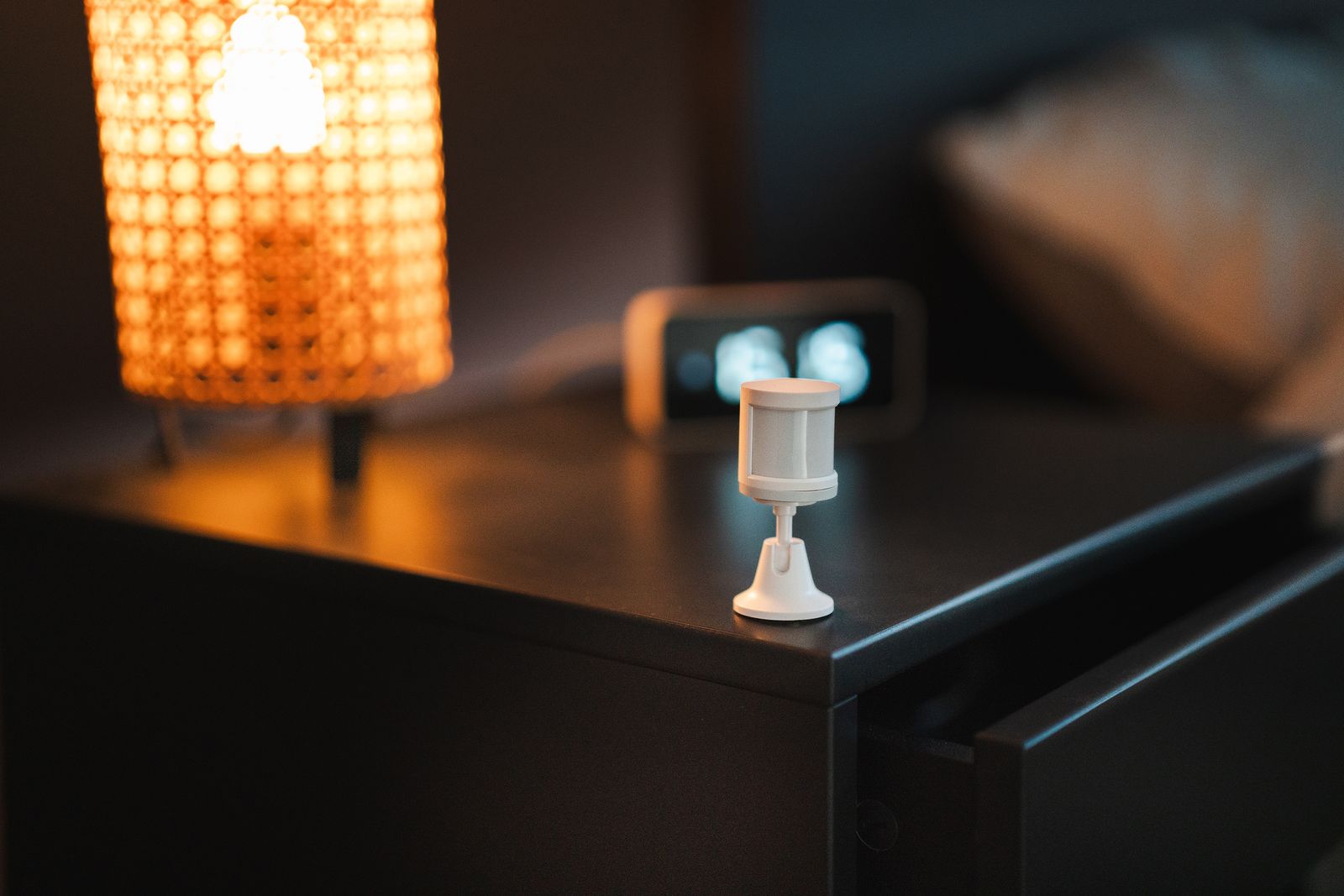
In April my bathroom humidity sensor read 58%. In August it still read 58%. Not 58% again — 58% still, the same reading, unchanged, for something like four months. I only found it because I finally got annoyed that the extractor fan never came on by itself anymore and went looking for the automation that was supposed to do it. The automation was fine. Its trigger was waiting on a number that had stopped moving.
Here is the part that bothered me: nothing was broken, as far as Home Assistant was concerned. The entity was not unavailable. It was not unknown. It had a state, a unit, a device class, a battery level of 61%, and a friendly name. Every dashboard card showed a perfectly normal-looking humidity reading. The sensor had simply stopped talking, and Home Assistant kept faithfully displaying the last thing it said.
A device can die two ways, and only one of them is loud
The loud death is the one everybody designs for. An integration falls over, a hub goes offline, a Wi-Fi plug loses the network — and the entity flips to unavailable. Dashboards grey out. Templates that use has_value() return false. You notice within a day, because everything that depends on it visibly stops.
The quiet death has no state of its own. The Home Assistant docs on working with states are clear that there are exactly two special values: unknown means the entity exists but its value is not known right now, and unavailable means it cannot be reached at all. There is no third value for “this number is real, it is just four months old.” The last good reading stays on the entity indefinitely, and every automation downstream keeps evaluating against a fossil.
For a battery-powered Zigbee device this is the normal failure mode, not the exotic one. A coin cell that sags under load, an end device that drops off the mesh after a router is unplugged, a firmware hiccup — none of those necessarily produce an error anywhere. They produce silence, and silence looks identical to “nothing has changed.”
Zigbee2MQTT can tell you, but it is a blunt instrument
Zigbee2MQTT has an availability feature, and it is off by default, which is why mine was not helping. Once enabled it splits devices into two groups: active devices (mains-powered ones it can ping) get a ten-minute check-in window, and passive devices (battery ones it cannot ping without waking them up) get a default timeout of 1500 minutes — twenty-five hours. ZHA has broadly similar options.
Twenty-five hours of silence from a battery device is the right default, because a door sensor on a door nobody opened has nothing to report. But it also means the safety net has a very wide mesh, and it only covers Zigbee. My house is Zigbee plus a handful of ESPHome nodes plus a few cloud-free integrations, and I did not want three different mechanisms each answering a slightly different question. I wanted one list: which of the things I actually care about have gone quiet?

The whole watchdog is one template sensor
Every entity in Home Assistant carries a last_reported timestamp — the moment it last said anything, whether or not the value changed. That is the signal. Everything else is bookkeeping.
I did not want to monitor all nine hundred-odd entities, so I put a label called watchdog_6h on the roughly twenty that should never go more than a few hours without speaking: motion sensors, the temperature and humidity sensors that drive automations, the power monitoring plugs. Labels are the cleanest handle here because they cut across integrations, areas and device types.
template:
  - triggers:
      - trigger: time_pattern
        minutes: "/15"
    sensor:
      - name: "Quiet entities 6h"
        unique_id: quiet_entities_6h
        state: >
          {% set cutoff = now() - timedelta(hours=6) %}
          {{ expand(label_entities('watchdog_6h'))
             | selectattr('last_reported', 'lt', cutoff)
             | list | count }}
        attributes:
          quiet_list: >
            {% set cutoff = now() - timedelta(hours=6) %}
            {{ expand(label_entities('watchdog_6h'))
               | selectattr('last_reported', 'lt', cutoff)
               | map(attribute='name') | list | join(', ') }}
Two details in there cost me an evening each, so let me save you both.
The first is triggers: with a time_pattern. My original version was an ordinary state-based template sensor, and it cheerfully reported zero quiet entities forever. Of course it did. A normal template sensor re-renders when one of the entities it references changes — and the entire point of this sensor is to detect entities that are not changing. Nothing ever triggered a re-render. Pinning it to a fifteen-minute clock is what makes it work at all.
The second is why the list of names lives in an attribute rather than the state. Entity states in Home Assistant are capped at 255 characters. Five or six friendly names will blow straight through that and your sensor will start throwing errors at exactly the moment you most want it to work. Attributes have no such limit.
A morning digest, not an alarm
automation:
  - alias: "Watchdog - quiet device digest"
    triggers:
      - trigger: time
        at: "08:30:00"
    conditions:
      - condition: numeric_state
        entity_id: sensor.quiet_entities_6h
        above: 0
    actions:
      - action: notify.mobile_app_phone
        data:
          title: >
            {{ states('sensor.quiet_entities_6h') }} device(s) have gone quiet
          message: >
            {{ state_attr('sensor.quiet_entities_6h', 'quiet_list') }}
My first instinct was to notify the instant an entity crossed the threshold. I tried it for a week. Every alert I fired at the moment of detection was an alert that arrived at some genuinely unhelpful hour, for a sensor that had been briefly out of range and would be back in twenty minutes. A device that has been silent for six hours will still be silent at 08:30. There is no emergency here — the emergency already happened, quietly, four months ago. What I needed was to be told at all, not to be told fast.
Two versions of this were wrong before one was right
Version one used six hours for everything. That is a sensible window for a motion sensor and a ridiculous one for a water leak sensor that reports once a day if it feels like it, or a button that only speaks when pressed. The fix was not cleverer logic, it was a second label: watchdog_36h, with an identical sensor and a longer cutoff. Two thresholds covers essentially my whole house. Anything needing a third threshold probably does not belong in a watchdog.
Version two, before I moved to labels, swept up every entity in the sensor domain. That dragged in link quality and battery entities, which report on their own unrelated schedules, and the list came back so noisy it was useless. Being deliberate about what you monitor is not laziness — a watchdog you learn to ignore is worse than no watchdog, because you think you are covered.
I should also credit the prior art: the community has been solving the adjacent problem for years, most visibly with jazzyisj’s unavailable entities sensor, which tracks entities in the unknown and unavailable states. It is a good package and I ran it for a while. It just answers the other half of the question — the loud deaths, not the quiet ones. The two together are the actual coverage.
What 2026.9 helps with, and what it does not
Home Assistant 2026.9, out on 2 September with 2026.9.1 following three days later, added an activity log that reconstructs why an entity changed — which person, schedule, sensor or automation was actually responsible. I have used it twice already and it is excellent. It is also, by construction, a tool for after you know something happened.
That is the gap a staleness watchdog fills. The activity log answers “why did this change?” A watchdog answers the harder question, which is “why has nothing changed, and should it have?” Silence produces no log entry to go looking at.
The honest limits
This catches devices that stop reporting. It does not catch devices that keep reporting something wrong. My outdoor temperature sensor spent several weeks last winter reading a few degrees too warm because I had mounted it where the afternoon sun hit it, and no timestamp check on earth would have flagged that. It also will not catch a device that flaps — reports, drops, reports again — because it never crosses the cutoff. Those are separate problems needing separate tools.
But the cost here is one template sensor, one automation and two labels, and it has already caught a door sensor with a dying cell and an ESPHome node that had wedged itself after a firmware update. Both would have been months of quiet nothing otherwise. That seems like a fair trade for twenty minutes of YAML and one evening of finding out why my first version reported zero forever.
The bathroom sensor, incidentally, had a battery reading 61% right up until the moment I pulled it out and measured it at 2.4 volts. Reported battery percentage is a hint, not a fact. Timestamps do not lie.
Leave a Reply