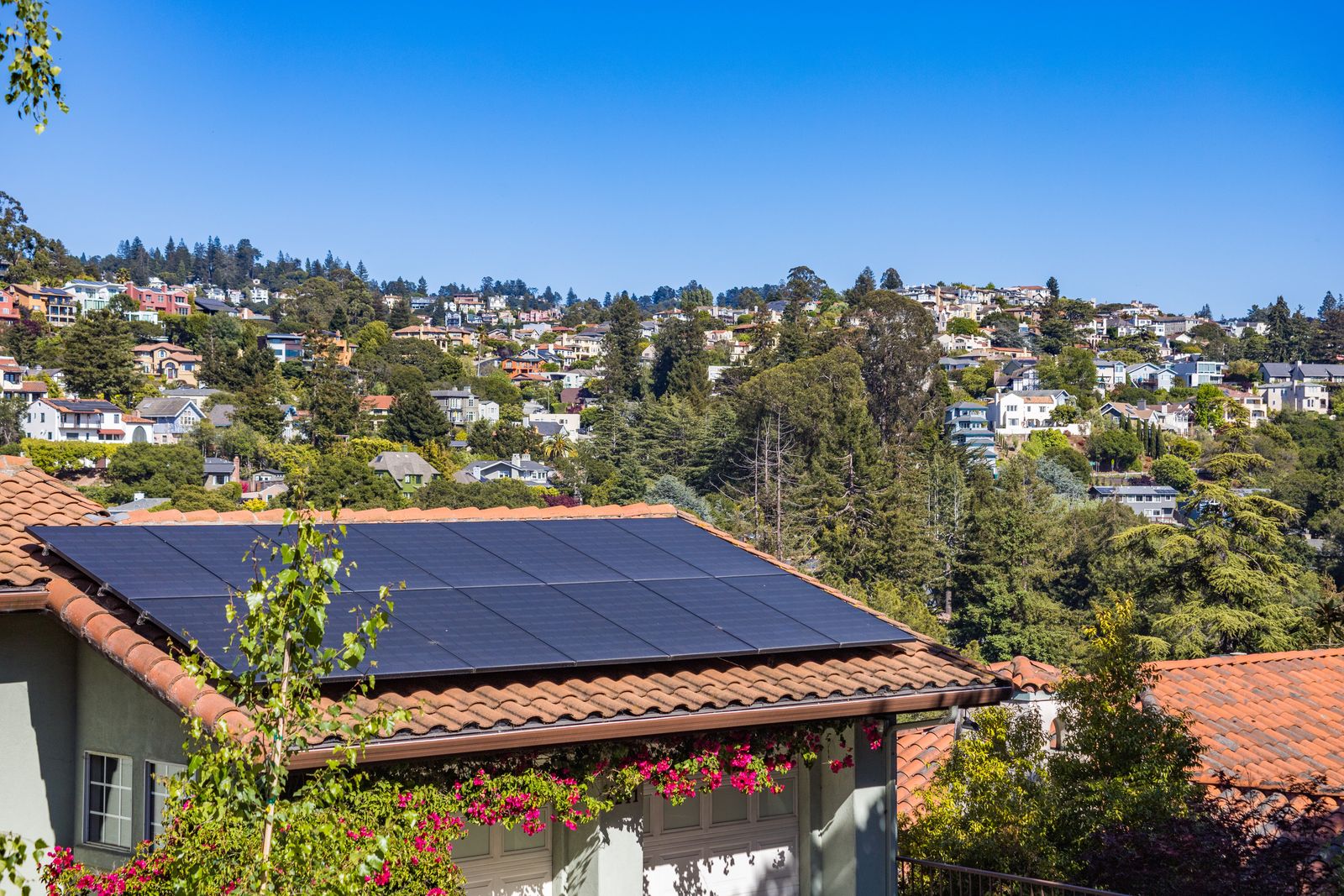
Solar inverters have a habit I find hard to forgive: they produce data all day, and the easiest way to read it is through the manufacturer’s cloud. For years the usual Home Assistant route for SolarEdge owners went through that cloud too, with an API key, a polling limit, and a dashboard that goes quiet whenever the vendor’s servers have a bad afternoon.
Home Assistant 2026.10 adds a different route. According to the release notes, a new SolarEdge Modbus integration launched at platinum quality and talks to the inverter directly over your LAN. I do not run a SolarEdge inverter, so I have not connected one, and I will not pretend otherwise. What I did do is read the integration documentation closely, because the design is a good case study in what “local-first” should look like for energy gear.
What actually changes
The integration reads the inverter over Modbus TCP, a protocol already built into the device. The documentation states it needs no account, no API key, and no cloud service, so readings keep arriving when your internet connection is down. It is rated “Local Polling” and maintained by Frenck, one of the long-time core developers.
The polling cadence is the part that made me raise an eyebrow, in a good way. The inverter and attached devices are polled every 10 seconds. Inverter settings refresh every five minutes, and attached meters and batteries are rechecked every 15 minutes, with an automatic reload if you add or remove one. Ten seconds is a very different world from the slow cloud polling many of us tolerated, and it makes things like “turn on the heat pump when export exceeds 2 kW” a reasonable automation instead of a lagging guess.
Enabling Modbus is the awkward part
The Home Assistant side is easy. The inverter side is where you will spend your time, and it depends on the model, according to the docs:
- Inverters without a display: move the red ON/OFF/P switch to P for under five seconds to start the inverter’s own Wi-Fi access point, connect to it, open 172.16.0.1, go to Site Communication, and enable Modbus (TCP).
- Inverters with a display: hold OK, enter the menu password, then go to Communication, LAN, and enable Modbus TCP.
- Port and ID: the port is 1502 and the device ID defaults to 1. Give the inverter a fixed address in your router so it does not wander.
The documentation also recommends a wired connection. Its stated reason is that SolarEdge may drop Modbus over Wi-Fi in future firmware. That is a polite way of saying the vendor can change the rules, which is exactly why I would run a cable and not rely on goodwill. For inverters without a network port there is an RS485 route, set to the SunSpec (Non-SE Logger) protocol, via a serial port or a Modbus TCP bridge.
What you get, and what you do not
The entity list is generous: inverter power, lifetime energy (usable in the Energy dashboard), AC and DC values, heatsink temperature and status, plus up to three meters and three batteries with state of energy, state of health, and charge and discharge figures. Voltage, frequency and power factor exist but are disabled by default, which is a sensible choice that keeps your entity list from ballooning.
There are honest limits too. Per-panel and per-optimizer data is only available through the cloud-based SolarEdge integration, so if you love staring at individual panels, local does not give you that. SolarEdge EV chargers are not supported. Hardware changes can take up to 15 minutes to show up.
The writable settings deserve a warning
The integration can also write: backup reserve, export limit, active power limit, storage control mode. That is powerful, and the documentation is refreshingly blunt about the risks. The control registers are undocumented by SolarEdge and the inverter rejects values it does not accept. Writes wear flash memory, so you should avoid automations that write settings frequently. Changing export limits may also breach your grid operator’s agreement.
My rule for anything like this is simple: read freely, write rarely. An automation that rewrites an export limit every time a cloud passes over is an excellent way to wear out a device you cannot easily replace and to annoy your utility. If I ran this, I would automate loads that react to the readings and leave the inverter’s own settings as a manual, deliberate action.
One more catch: connection limits
The docs note that one Modbus connection is shared per address, and that a separate Modbus YAML integration opens its own connection, which counts against the inverter’s client limit. If you previously hand-built a Modbus setup, do not run both against the same inverter. Migrate, then remove the old one.
That ties into a broader theme. Home Assistant 2026.10 also adds a Modbus panel under Settings, Connectivity, listing every Modbus connection and the integrations using it. After years of Modbus being a pile of YAML you debugged by squinting, a screen that tells you what is connected to what feels overdue.
Where I land
For anyone with a SolarEdge system who has tolerated the cloud route, this looks like a clear upgrade: faster, independent of the vendor’s servers, and built to a quality bar that includes local-first behavior. The price is a one-time trip to the inverter’s menu and a network cable. If you try it, I would love to hear how the enabling step went on your model, because that is the part no documentation can fully predict.
I will keep an eye on it. If I end up on a house with solar, this is the integration I would reach for first, and I would still wait for 2026.10.1 before touching a system that makes me money.
Leave a Reply