Most of the noise around Home Assistant 2026.11 is about the built-in Marketplace and the new dashboard sections. The change I would read twice before pressing Update is a quieter one: how entities are named. The release post lists it as backward-incompatible, and it is the one most likely to make a dashboard look wrong on the first morning. I have not run it on my bare-metal box yet, so this is a pre-flight checklist built from the official posts, not a victory lap.
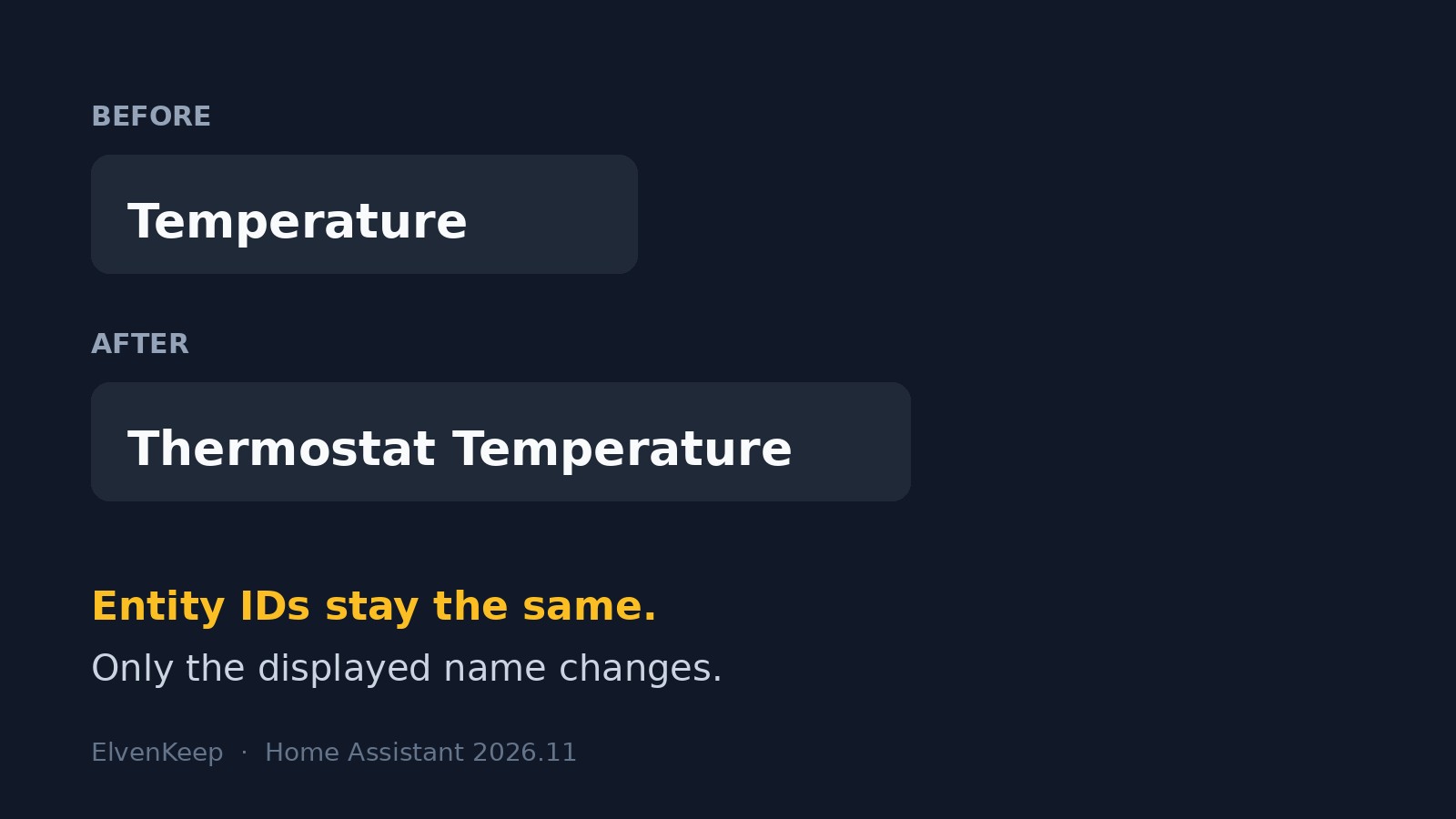
The short version, from the Naming things in Home Assistant post by Artur Pragacz: each thing is now named once, for what it is, and Home Assistant adds the context. A “Temperature” entity on a device called “Thermostat” in the Bedroom shows up as “Thermostat Temperature” where context is needed. Nothing is renamed in your database, and entity IDs do not change.
What actually changes, and what does not
The reassuring part first. According to the post, existing entity IDs stay as they are, so automations, scripts, scenes and dashboards keep finding their entities. Names you already set manually on a card are left alone. For entities exposed to Assist, Alexa or Google Assistant, the old name is kept as an alias, so “turn on the ceiling light” should keep working.
The part that bites is cards, badges and rows that never had an explicit name. Those used to show the friendly name and now show the composed default, device name plus entity name. If your dashboards are mostly auto-generated or lean on defaults, that is where surprises will show up. Templates that read the friendly_name attribute may also output different text, and the project says that attribute is headed for deprecation, with no date given yet.
How existing names get migrated
Migration follows a simple rule that is worth understanding before you look at the results. If an entity name starts with its device name, such as “Coffee machine power usage” on the device “Coffee machine”, the device part is stripped and the entity becomes “Power usage”, still displayed as “Coffee machine Power usage”. If it does not start with the device name, nothing is stripped and context is added, so a switch called “Coffee machine” on a device called “Smart plug 3” will show as “Smart plug 3 Coffee machine”.
That second case is the one I expect to see most often in my own setup, because years of quick renames produced entities that are named after what they control while the device still carries a factory name. It is also the case with the cleanest fix, which comes next.
The fixes, in the order I would try them
- Rename the device, not the entity. The post recommends this. Give the plug the name of the thing it powers, and everything attached to it follows.
- Turn on “Main entity of the device” in the entity settings for the one entity that represents the whole device, such as the switch on a plug. It then displays as just the device name.
- Use the card name picker. Cards can now compose a name from entity, device, parent device, area and floor in the order you choose, or take a custom name. There is a one-click way back to the default.
- Stop putting rooms in names. Home Assistant now adds the area where it helps, so “Kitchen Coffee machine” in the Kitchen area is on its way to being redundant.
Child devices, and why power strips are the test case
The same release introduces child devices: a multi-part device such as a power strip becomes a parent with one child per socket, each with its own name and area, inheriting the parent’s area until you set one. The release notes say Tuya multi-channel switches are the first to move over, and the naming post adds Z-Wave, MQTT and ESPHome in this release, with Matter and ZHA still in progress. If you run ESPHome or MQTT gear with several outputs, expect those devices to be restructured and check them first.
My pre-update routine
Because this release touches how things are displayed rather than how they are addressed, the risk is cosmetic and recoverable, which is exactly why I would still take a full backup before updating. My plan is to update on a quiet evening rather than before work, open each dashboard in turn, and write down every name that looks odd before touching anything. Fixing them in one pass, device by device, beats fixing them as they annoy me.
I will also search my templates for friendly_name. Nothing breaks today, but replacing those with entity_name(), device_name() or area_name(), the helpers the project points to, is a small job now and a forced one later. Custom cards deserve a second look as well, since the post warns some may keep reading the old attribute and show different names until their authors update them.
The honest takeaway
I like the direction. Names that describe a thing once and let the system add context is how the setup should have worked years ago, and it removes the habit of baking room names into everything. The cost is a one-time cleanup, paid by people with the most carefully tuned dashboards. Entity IDs staying put is what makes it acceptable. I will report back after I update, including which of these fixes actually turned out to be needed.
Leave a Reply