Category: News

  • Matter Finally Standardized Cameras. Why My Frigate Box Isn’t Going Anywhere — Yet.

    Matter Finally Standardized Cameras. Why My Frigate Box Isn’t Going Anywhere — Yet.

    For years, cameras have been the one corner of my house that refused to play along with the local-first rule I hold everything else to. Lights, sensors, locks, climate — all of it runs through Home Assistant on a mini PC in my hallway, nothing phoning home. But cameras? Cameras have been the holdout: the category where “smart” almost always meant a monthly subscription, an app you can’t avoid, and your footage sitting on someone else’s server. So when the Connectivity Standards Alliance finalized Matter 1.5 with cameras baked into the spec, I paid attention. Then I looked at what I could actually do with it today, and quietly went back to my Frigate box.

    Here’s the honest version of where Matter cameras stand in mid-2026, why the idea genuinely excites me, and why I’m not changing a single line of my setup because of it — yet.

    What Matter 1.5 actually added

    Matter 1.5 was released by the CSA on November 20, 2025. The headline feature is cameras — three device types, to be precise: standalone security cameras (indoor and outdoor), video doorbells, and intercoms. The spec defines how the boring-but-essential stuff gets exposed to any Matter controller: live video, motion events, person and package detection, and two-way audio. There’s more in the release — unified “closures” (think garage doors, blinds, gates), soil moisture sensors, and a meaningful expansion of energy and EV-charging data — but cameras are the part that matters most to people like me.

    Why? Because the whole point of the camera work is that it’s designed to run over your local network. The video is meant to be exposed to controllers on the LAN, not routed through a vendor cloud as a precondition for working at all. If you’ve spent any time being annoyed that your doorbell needs an internet connection to show you who’s at the door, you understand immediately why a local-by-design camera standard is a big deal.

    Why cameras are the hill worth taking

    I don’t want to be dramatic about this, but cameras are the smart-home category with the worst track record on ownership. The big cloud platforms have trained an entire generation of buyers to accept that the footage from a camera you bought, mounted on a house you own, isn’t really yours. It lives on corporate servers, it’s gated behind a subscription, and — as has been documented repeatedly — it can be handed to third parties under arrangements you never opted into. Every other part of my house I can run without an account. Cameras were the exception, and not by accident.

    So a standard that says “a camera is just another local device your hub can talk to” is, in principle, the thing I’ve wanted for years. No per-vendor app. No separate API for every brand. No subscription as the price of seeing your own front step. That’s the promise. The reality, as usual, is lagging behind the press release.
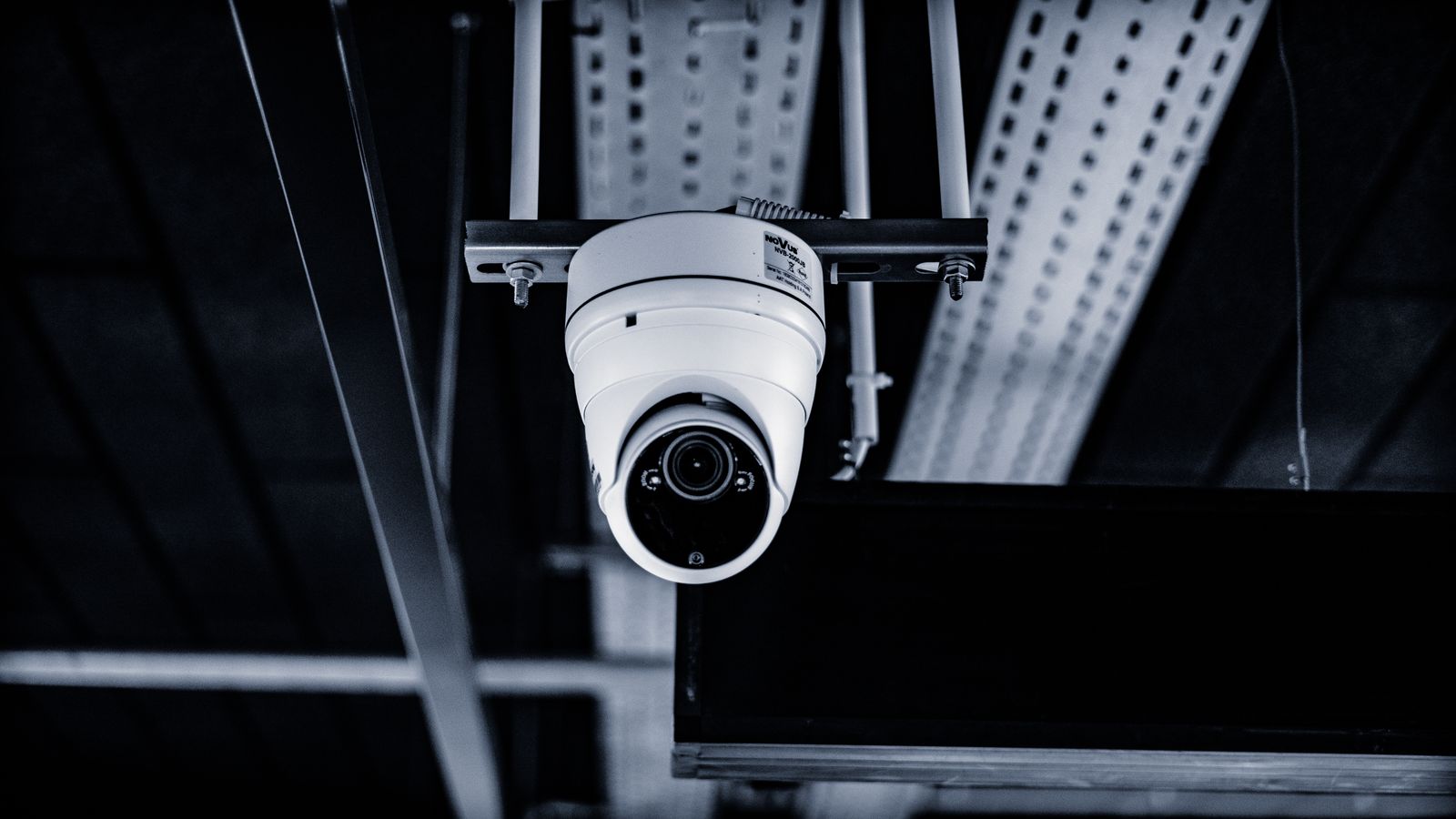
    A white dome surveillance camera mounted indoors
    A standard is not the same as a shipping product. Photo: Lukasz Klimkiewicz / Pexels.

    What you can actually buy and use today

    This is where my enthusiasm met a wall. As of mid-June 2026, exactly one major platform has shipping support for Matter cameras: SmartThings. Samsung announced in December 2025 that SmartThings was the first platform to support Matter 1.5, with cameras from partners like Aqara, Eve, and XThings rolling out from around March 2026. Apple, Google, and Amazon have all said the right things about adding Matter 1.5 controller support to their hubs, but at the time of writing they hadn’t flipped the switch.

    And Home Assistant? Not yet. The team has been candid that HA doesn’t support the Matter camera device type today, because the underlying plumbing — two-way audio, for one — isn’t all there. The device type is on the roadmap, which I believe, but a roadmap is not a release. For now, if you point a Matter camera at Home Assistant, the realistic path is the same fallback we’ve always had: pull the RTSP stream directly and treat it like any other network camera.

    That gap is the whole story. The standard exists. The first cameras exist. But the controller I actually run can’t speak the new language yet, so from where I sit, Matter cameras are a thing I can read about, not a thing I can deploy.

    So I’m staying on Frigate

    My current camera setup is boring in exactly the way I like. Cheap RTSP cameras feed Frigate, the open-source NVR, which runs locally and does its own object detection on my hardware. It doesn’t just see “motion” — it sees a person, a car, a parcel — and it does all of that without a single frame leaving the house. Recordings stay on a local disk. There’s no subscription, and the only cloud involved is the one I choose to expose, on my terms, through my own remote access.

    That setup already delivers what Matter cameras are promising: local video, local detection, no vendor lock-in. The difference is that it works now, it’s well understood, and it’s been documented by a large community for years. Matter cameras might eventually make the front end of this nicer — easier pairing, less fiddling with stream URLs, true plug-and-play across brands — but they don’t yet offer a single capability my current rig lacks. Ripping out something that works to chase a standard that my hub can’t use would be the opposite of local-first discipline.

    The caveat nobody puts on the box

    One more thing worth saying plainly, because the marketing won’t: “Matter camera” on a label does not automatically mean “no app, no account, fully local.” Matter defines how a camera can be controlled locally, but a manufacturer is still free to bolt its own cloud features, app, and account on top. The standard opens the door; it doesn’t force anyone through it. So when these cameras land in stores in volume, I’ll be reading the fine print on each model rather than trusting the logo — the same skepticism I’d apply to anything that claims to be private.

    That’s not cynicism, it’s pattern recognition. We’ve watched “works with Matter” mean very different things on different products over the last couple of years. Cameras are higher-stakes than a light bulb, and I’d rather be pleasantly surprised than burned.

    Where this leaves me

    I’m genuinely optimistic about Matter cameras — more than I’ve been about most of the standard’s expansions, honestly, because they target the one area where the status quo has been worst for owners. A future where a camera is just a local device my hub discovers, with no subscription and no app, is a future I want. But optimism about the direction and patience about the timeline are not in conflict. The standard is real, the first hardware is real, and Home Assistant support is coming. None of that is here for me today.

    So the plan is the unglamorous one: keep the Frigate box running, watch the Home Assistant release notes for camera support to land properly, and revisit this when there’s an actual Matter camera I can pair to my own hub and confirm — with a network capture, not a marketing claim — that nothing’s leaving the house. When that day comes, I’ll document it honestly. Until then, the holdout corner of my house stays exactly as local as the rest of it.
  • Home Assistant 2026.6: The Card Picker Finally Speaks Human (and Other Things I Actually Noticed)

    Home Assistant 2026.6: The Card Picker Finally Speaks Human (and Other Things I Actually Noticed)

    Home Assistant 2026.6 dropped on June 3rd, and I updated my EliteDesk over the weekend after the usual ritual: read the breaking changes twice, check that last night’s backup actually exists, hold my breath for ninety seconds. The release is nicknamed “Pick a card, any card”, and for once the headline feature is the one I’d actually point a newcomer at. But there are a few quieter changes buried further down the release notes that matter more for a local-first setup like mine. Here’s what I found.

    The card picker finally starts from your home, not from jargon

    If you’ve ever sat someone in front of the dashboard editor and watched their face when the old card dialog opened — tile, glance, gauge, markdown — you know exactly why this change exists. Those are internal building-block names. Nobody opens the editor thinking “I need a glance card.” They think “I want the living room light on this page.”

    The new dialog opens on a By entity tab: a tree of your floors, areas, devices, and entities on the left, and live previews of cards that actually fit the entity you picked on the right. Choose a light and you get a plain tile, one with a brightness slider, a toggle, color temperature. Choose a temperature sensor and you get a trend-graph tile. Every suggestion renders with your real data before you commit, which kills the old add-it-look-at-it-delete-it loop entirely.

    I rebuilt part of my hallway dashboard with it as a test. It’s faster, but the bigger win is that I can now hand the editor to my wife without a twenty-minute vocabulary lesson first. The Home Assistant team says this is the first step of a broader roadmap effort to make dashboards start from what you want to control. Good. That’s the right direction.

    Infrared now listens, and ESPHome is the first ear

    Two releases ago, infrared became a first-class platform in Home Assistant — but only one-way. HA could blast commands at your TV or air conditioner, but if someone used the original remote, Home Assistant was left holding stale state. 2026.6 closes the loop: the Infrared platform gains a receiver event entity, and any ESPHome device with an IR receiver wired up can now report what it hears as events you can automate on.

    This is the kind of feature that sounds niche until you live with it. Stale state is the silent killer of trust in a smart home — the dashboard says the TV is off, the TV is very much on, and the family stops believing the dashboard. Listening to the original remote fixes that without forcing anyone to change habits. It also means a spare IR remote in a drawer can become a cheap, battery-sipping, fully local controller. I have an ESP32 with an IR receiver on my bench already; this just moved up my project list.

    The automation editor grew up a little

    Three small things landed in the automation editor that together remove a lot of low-grade friction. First, every floor, area, device, and label target now shows how many entities it expands to — so “Bedrooms” reads as “Bedrooms · 12” and you know before saving whether your automation hits twelve lights or thirty. Second, condition rows now show a live pass/fail badge that updates in real time as your home changes. Debugging “why didn’t this fire” used to mean digging through traces; now the failing condition literally has a red dot on it while you edit. Third, every step can carry a proper notes field, separate from its name. Future-me, who will absolutely not remember why there’s a four-second delay on the porch sensor in winter, thanks present-me already.

    None of these are flashy. All of them are the difference between an editor you fight and an editor that helps. The zone-based triggers and conditions in Labs also keep maturing, if you’ve opted into that preview.

    The quiet wins for a local-first house

    The changes I care most about are further down the release notes. Bluetooth scanning now defaults to a new Auto mode — active scanning only when an integration actually needs it, on one scanner at a time, instead of every proxy constantly waking up your battery-powered sensors. Home Assistant claims around 95% less battery drain from Bluetooth scanning. If that holds up, it’s the single most valuable line in this release for anyone running a fleet of coin-cell sensors. I’ll be watching my battery graphs over the next month and will report back honestly.

    Z-Wave smart locks got credential management — add, edit, and remove users and PIN codes from a dialog in Home Assistant, with everything happening directly between HA and the lock. No cloud account, no vendor app, no internet required. Matter locks got this two releases ago; Z-Wave catching up matters because Z-Wave locks are still the sensible choice in much of Europe. You can even hand out a one-time guest PIN from an automation. That’s the local-first promise actually delivered, not just marketed.

    Smaller notes from my own shopping list: the Shelly integration now exposes an occupancy binary sensor, OpenThread Border Router 1.4 is out of beta with a built-in mDNS implementation that should calm a class of stubborn Thread connectivity gremlins, and Matter device setup now asks you to name the device and assign an area immediately — a tiny change that will save every household one confused “which ‘Contact Sensor 3’ is this” moment.

    Advanced mode is gone, and I think that’s right

    2026.6 removes the “Advanced mode” toggle from user profiles entirely. Everything that used to hide behind it is simply available to everyone now. Some long-time users will grumble. I won’t. The toggle always carried a quiet insult — the suggestion that parts of your own home automation system were above your pay grade. A wall of hidden features never made anyone an advanced user; using the features did. The YAML editors even got inline linting this release, which says it plainly: you don’t have to write YAML, but if you do, the UI will help rather than gatekeep.

    Should you update?

    Yes, with the usual discipline. The first patch release, 2026.6.1, already landed on June 5th with a batch of fixes, so you’re not even taking the .0 risk anymore. Read the backward-incompatible changes — if you’ve been using the Labs purpose-specific triggers, the behavior options were renamed (any is now each, last is now all) and your YAML needs updating. And while you’re in the backup settings, do what the redesigned page now nags you to do: save your backup encryption key somewhere that isn’t inside the thing being backed up. A backup you can’t decrypt is a very well-organized way of having no backup at all.

    My install went through clean: Zigbee2MQTT untouched, automations intact, one dashboard happily rebuilt with the new picker. That’s two smooth upgrades in a row on the EliteDesk, which I’m choosing to interpret as the universe rewarding boring, well-supported hardware.

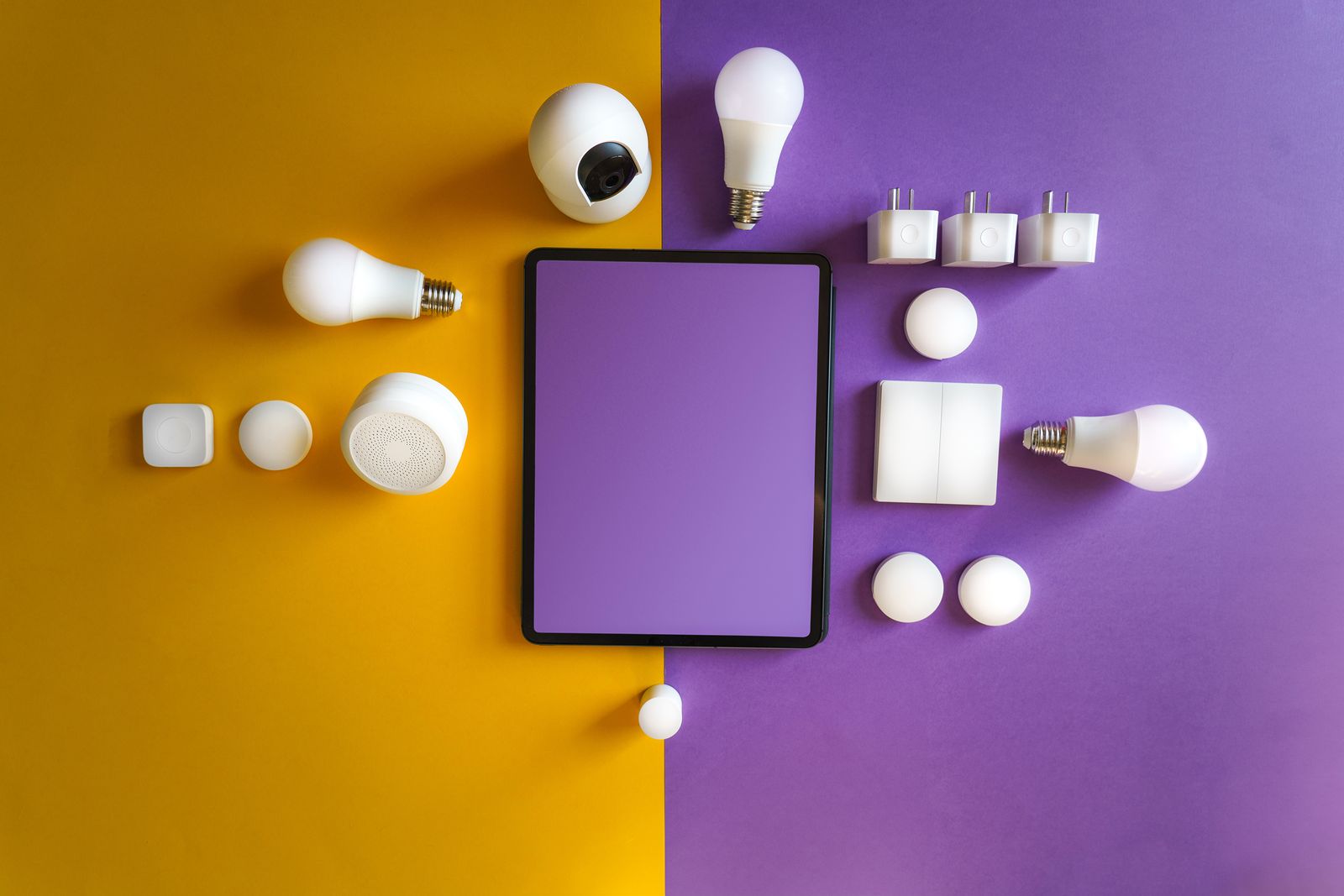
    A collection of smart home devices laid out on a table
    The growing pile every Home Assistant household knows. Photo: Pexels

    Full details in the official 2026.6 release post. If you find something in this release that breaks — or quietly improves — your setup, the comments are open. I read all of them.