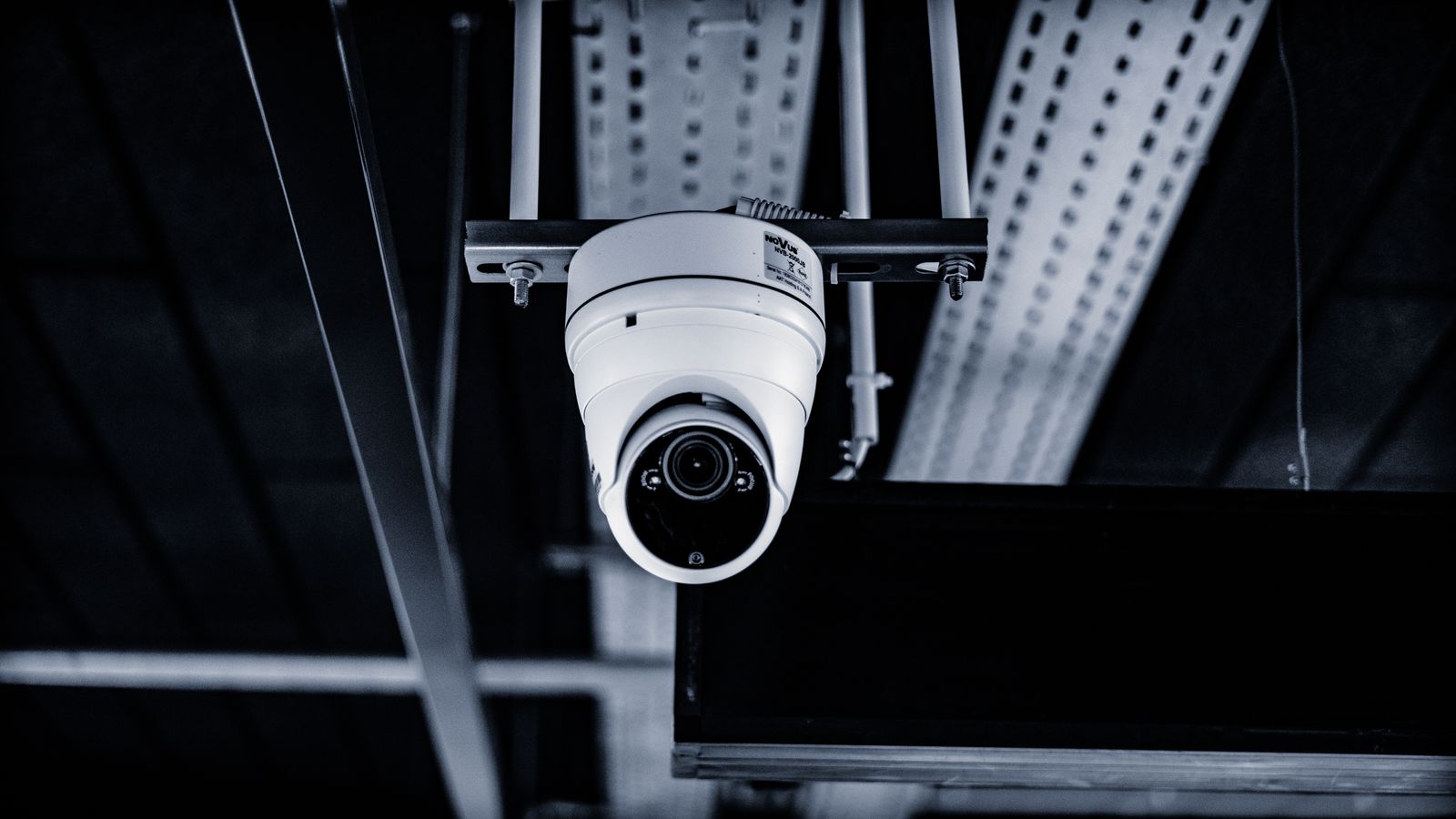
Frigate 0.18.0-beta1 landed on 12 July, and beta2 followed on 26 July. I read the notes the way I read every Frigate release note: scrolling straight past the shiny stuff to find out what’s going to break my config. This time I didn’t get very far before I stopped. Frigate 0.18 adds a chat interface — a tool-calling LLM agent that can search my tracked objects, look at my live cameras, and toggle features on them.
My first reaction was the reflex you’d expect from someone who runs Home Assistant OS bare-metal on a used office PC specifically so nothing has to phone home: absolutely not. My second reaction, after actually reading the rest, was more useful. The question isn’t whether there’s an LLM in my camera system. It’s whose computer it runs on — and Frigate 0.18 is one of the few releases I’ve seen that treats that as a first-class config option rather than an afterthought.
What’s actually in 0.18
This is a big release. Stable is still 0.17.2 from late June, so nothing here is production yet, but the shape of it is clear.
The headline for most people will be full UI configuration. Every section of the config — cameras, detectors, motion, recording, review, semantic search, face recognition, LPR, networking, auth — now has a proper settings page with per-field validation, inline docs links, and a clear split between global and per-camera values. Crucially, most options apply dynamically without a restart, and the ones that do need a restart are flagged in the UI. YAML editing is still fully supported; the docs now show both.
Then there are profiles: named overrides on top of your base camera config that you can switch on the fly, including via an MQTT topic. Detection, motion, recording, snapshots, zones, masks, notifications, even a camera’s enabled state. If you’ve ever built a fragile Home Assistant automation that rewrites Frigate’s config to turn off the indoor cameras when someone’s home, this replaces it with one MQTT publish.
And Debug Replay, which I think is quietly the best thing in the release. It replays recorded video through Frigate’s detection and motion pipelines as if it were a live camera, so you can tune motion settings against the actual footage that gave you the false positive instead of standing in your own driveway at dusk waving at a lens. I have done the driveway thing. More than once.
The chat feature, and the “on whose hardware” question
Frigate’s GenAI config has been restructured. It used to be a single global block; now it’s a mapping of named providers, each with a roles field defining what it’s used for — object descriptions, review summaries, embeddings, chat. Existing configs get migrated automatically.
That restructuring is what makes the rest interesting. On top of it sit three things that all cost inference: a chat agent with access to Frigate-specific tools, VLM monitoring that runs a model in a loop against a camera’s live view, and the option to generate semantic search embeddings on a remote provider instead of locally.
Read uncharitably, that’s three new ways for footage of my front door to leave the house. Read accurately, it’s a set of provider slots — and 0.18 adds a dedicated llama.cpp provider with automatic model probing and context sizing. Point it at a box on your own LAN and the whole feature set stays inside your walls. Nothing forces a hosted API.
I want to be fair about what that does and doesn’t mean. “You can self-host it” is not the same as “it’s local by default,” and defaults are where most people live. The remote embeddings feature in particular is framed as offloading work to another machine or a hosted provider, and those two are not remotely the same privacy proposition even though they sit behind the same dropdown. But the architecture here is honest: the provider is a config field, the roles are explicit, and you can see exactly which model does which job. Compare that to a camera app where “AI features” is a toggle and the endpoint is whatever the vendor decided.
What my mini PC can and can’t do here
Here’s where I have to be blunt about my own setup. My Home Assistant box is an eighth-generation HP EliteDesk 800 G4 — a used office machine with an Intel UHD 630 iGPU. That iGPU is a perfectly good object detector via OpenVINO and a perfectly good video decoder. It is not going to run a vision-language model in a loop against a live camera feed, and it never will.
So the practical answer for me is: chat, VLM monitoring, and local embeddings are features I can read about and not use. Running them locally means a second machine with a real GPU and the power bill that comes with it. Running them remotely means sending frames somewhere. Neither is a trade I want to make for the ability to ask my NVR a question in English about a driveway I can just look at.
That’s not a complaint about Frigate. It’s the normal state of affairs when a project grows features for hardware you don’t own. The rest of 0.18 is full of things a modest box genuinely benefits from — and one of them is specifically an Intel fix.
The changes that will actually bite
Frigate will try to migrate your config automatically, and the release notes are clear that you should back up both your config file and frigate.db first. Do that. The ones I’ve flagged for myself:
Snapshots change format. Frigate no longer writes annotated JPEGs to disk. Only a clean, unannotated WebP is stored in /media/frigate/clips/, the clean_copy option is gone, and the default snapshot quality drops from 70 to 60 to reflect the WebP switch. If you have anything reading those .jpg files off disk — a notification script, a backup job, a dashboard card pointed at a path — it breaks. The replacement is the /api/events/<id>/snapshot.jpg endpoint, which now honours timestamp, bounding_box, crop, height and quality as query parameters.
FFmpeg jumps to 8. FFmpeg 5 is deprecated and gets removed in 0.19, so this is the release to sort it out. There’s a known issue where go2rtc streams that transcode video with hardware acceleration need a small config change under FFmpeg 8 — worth checking before you upgrade if you rely on restreaming.
Zones and masks change format to add enabled and friendly_name fields. A migrator handles it, but if it fails you’ll be editing those by hand.
Intel GPU stats are measured differently — no more intel_gpu_top, no more CAP_PERFMON or privileged mode or perf_event_paranoid tuning. Frigate now reads the kernel’s per-client DRM usage counters directly. The notes are explicit that reported numbers may differ from before because the measurement method changed, not because the workload did. If you’ve got a Home Assistant gauge or an alert threshold on Frigate’s GPU percentage, expect it to move and don’t panic when it does.
A few smaller ones: the DELETE /api/export endpoint is gone in favour of a bulk POST /api/exports, sync_recordings is replaced by a Media Sync pane in Settings, and timelapse_args gives way to custom export FFmpeg arguments.
What I’m doing
Not upgrading. Not yet. Cameras are one of the two things in my house I treat as production — the other is heating — and a beta with this many config migrations is not going anywhere near a system I rely on to still be recording tomorrow.
What I am doing before stable: taking a copy of my config and database somewhere that isn’t the machine, grepping my Home Assistant automations for anything touching a snapshot file path, and checking whether my go2rtc setup transcodes with hardware acceleration. Three small jobs on a quiet evening, and they turn upgrade day from an event into a non-event. That’s the whole trick, and it’s the same trick every time.
The chat agent I’ll probably never run. But I’d rather it exist as a provider slot I can leave empty than as a cloud feature I can’t turn off — and if that sounds like a low bar, look at what the rest of the camera industry is shipping this year.
Leave a Reply