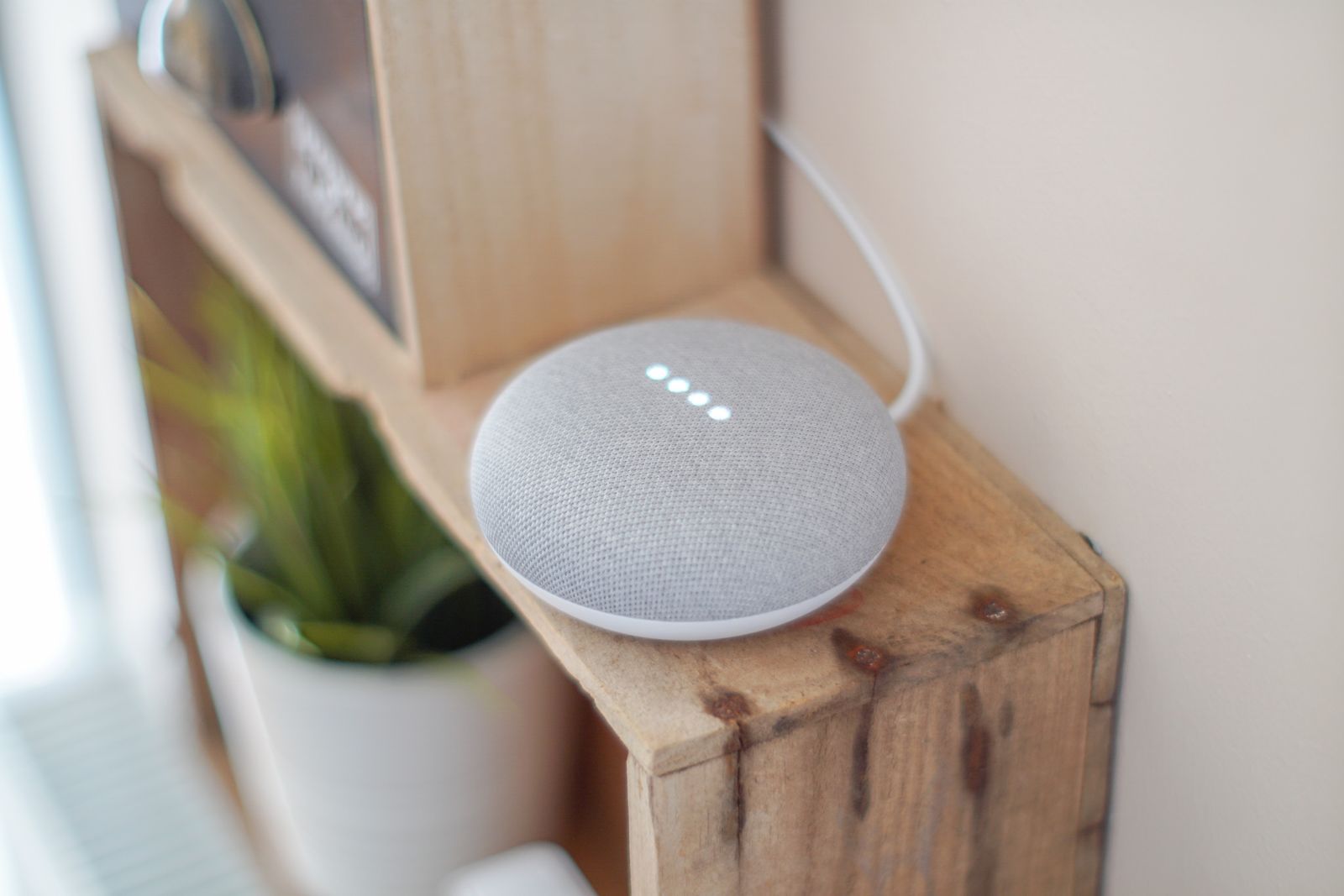
The whole point of this house is that it does not phone home. The lights, the sensors, the cameras — all of it runs on a used HP EliteDesk 800 G4 sitting on a shelf, and none of it asks permission from a server in someone else’s data centre. So when I finally decided I wanted to talk to the place, the requirement wrote itself: my voice had to stay inside these four walls, same as everything else.
That is more achievable in 2026 than a lot of people assume, and also more nuanced. Home Assistant’s voice stack is genuinely good now, but “fully local” hides a fork in the road that decides whether a cheap mini PC like mine sails through or starts wheezing. Here is what I learned actually setting it up, rather than reading the marketing.
The pipeline, minus the cloud
Home Assistant calls its voice system Assist, and the architecture is refreshingly simple to picture. A microphone hears you, a speech-to-text engine turns the sound into words, Home Assistant works out what you meant, and a text-to-speech engine speaks the answer back. Every one of those steps can run on your own hardware, with nothing leaving the network. The official docs are blunt about it: “Your spoken commands never leave your home.” That is exactly the sentence I was looking for.
The pieces are glued together by the Wyoming integration, and the whole thing expects Home Assistant OS, which is what I run bare-metal anyway. For the microphone end you can use the companion app on a phone, an ESP32 puck you flash yourself, or the official Voice Preview Edition hardware. I will come back to the mic another day — the interesting decision lives one layer down, in how the words get transcribed.
Speech-to-Phrase vs Whisper: the real fork in the road
There are two ways to do speech-to-text locally, and they are not just “fast one” and “slow one.” They are philosophically different, and picking the wrong one for your hardware is how people end up frustrated.
Speech-to-Phrase is a close-ended model. It only transcribes things it already knows about — your devices, your areas, the standard control sentences — and in exchange it is absurdly fast. Home Assistant’s own figure is sub-one-second transcription even on a Raspberry Pi 4 or a Home Assistant Green, which are far weaker than my EliteDesk. The catch is honesty about scope: open-ended stuff like adding items to a shopping list, naming a timer, or sending broadcasts is not available out of the box. It turns lights on. It does not take dictation. It was introduced back in Voice Chapter 9, specifically because home control does not actually need a model that can transcribe a podcast.
Whisper is the opposite: an open-ended model that tries to transcribe anything you say. That flexibility is the whole appeal, but you pay for it in compute. The docs put a hard number on it — roughly 8 seconds to process a command on a Raspberry Pi 4, versus under a second on an Intel NUC. That gap is the entire story for hardware selection. Whisper is only worth running if you have decent silicon and you plan to push past simple home control, for example by wiring an LLM in behind it.
For text-to-speech there is no real fork: Piper is the answer either way. It is a fast neural voice that was tuned for the Raspberry Pi 4, where it can generate about 1.6 seconds of speech per second of processing. On anything mini-PC-class it is effectively instant, and it sounds good enough that guests do not clock it as local.
What my EliteDesk actually handles
Here is where the spec sheet stops mattering and the bench test starts. The EliteDesk 800 G4 mini I use runs an 8th-generation Intel i5 with no discrete GPU. That puts it in the same broad neighbourhood as the Intel NUC the documentation uses as its “fast” reference point — comfortably faster than a Pi 4, comfortably slower than anything with a real graphics card.
In practice that means Whisper’s speech-to-text is not the bottleneck I feared. Short control phrases come back quickly, nowhere near the eight-second Pi 4 figure. Piper is a non-issue. If all you want is to say “turn off the kitchen” and have it happen, a used mini PC running either speech engine will not embarrass itself. The honest surprise was how little the transcription step costs once you are off Raspberry Pi hardware.
The LLM brain question
The temptation, once the plumbing works, is to bolt a local language model onto the end so the assistant can actually converse rather than just match sentences. Home Assistant ships a native Ollama integration that makes this genuinely plug-and-play, and this is where the “fully local” dream gets expensive on a GPU-less box.
Small models aimed at home control will run on a CPU, but you feel it. Community write-ups consistently land around the 6–12 second range for a CPU-only response, against 2–5 seconds when a GPU is doing the work, and the lighter home-tuned models churn out only a handful of tokens per second on a processor. That is the difference between a snappy assistant and one where you find yourself waiting and wondering if it heard you. My take: a used mini PC is a brilliant home-control voice box, but it is not the machine you want hosting a chatty local LLM. If that is the goal, the brain belongs on a separate machine with a graphics card, talking to Home Assistant over the network — not crammed onto the same little CPU that is already running the house.
A caution before you upgrade
One local-first reflex worth keeping: do not assume the voice stack is immune to a bad update just because it runs on your hardware. Around the 2026.6.2 core release, more than one person on the Home Assistant community forum reported losing Piper audio after upgrading. I have no way to confirm how widespread that was, and it may already be patched by the time you read this, but it is a good reminder to keep voice on a release you have actually tested and to read the breaking-changes section before you click update. Local does not mean fragile, but it does mean you are the one who notices when something breaks.
Where I landed
For a no-cloud home control voice on a used mini PC, Speech-to-Phrase plus Piper is the sweet spot — fast, private, and entirely happy on modest hardware, as long as you can live within its predefined commands. Whisper is the upgrade you reach for when you genuinely need open-ended speech and have the silicon to back it, and the conversational LLM layer is a separate project for a separate machine.
What I appreciate most is that none of this required a subscription or a leap of faith about where my voice ends up. The same shelf-bound EliteDesk that already runs the house can now answer it, and that feels like the system working the way it was always supposed to. If you want to follow the canonical setup rather than my notes, Home Assistant’s guide to a fully local voice assistant is the place to start.
Leave a Reply